How to update WordPress posts without changing the last modified date
WordPress changes a post's last modified date every time it is saved, even when you only fixed a link or swapped an image. That date is public: it shows as "Last updated" on many themes and goes to Google in your schema and sitemap. Vision Builder Control lets your AI assistant edit posts and leave that date exactly where it was.
Freezing the date is the right call more often than people think. A redesign doesn't make an old article new. Neither does a bulk pass over image sizes, categories, SEO titles or the author box. The article didn't change, so its date shouldn't either. When you rewrite the content, you give it a new date.
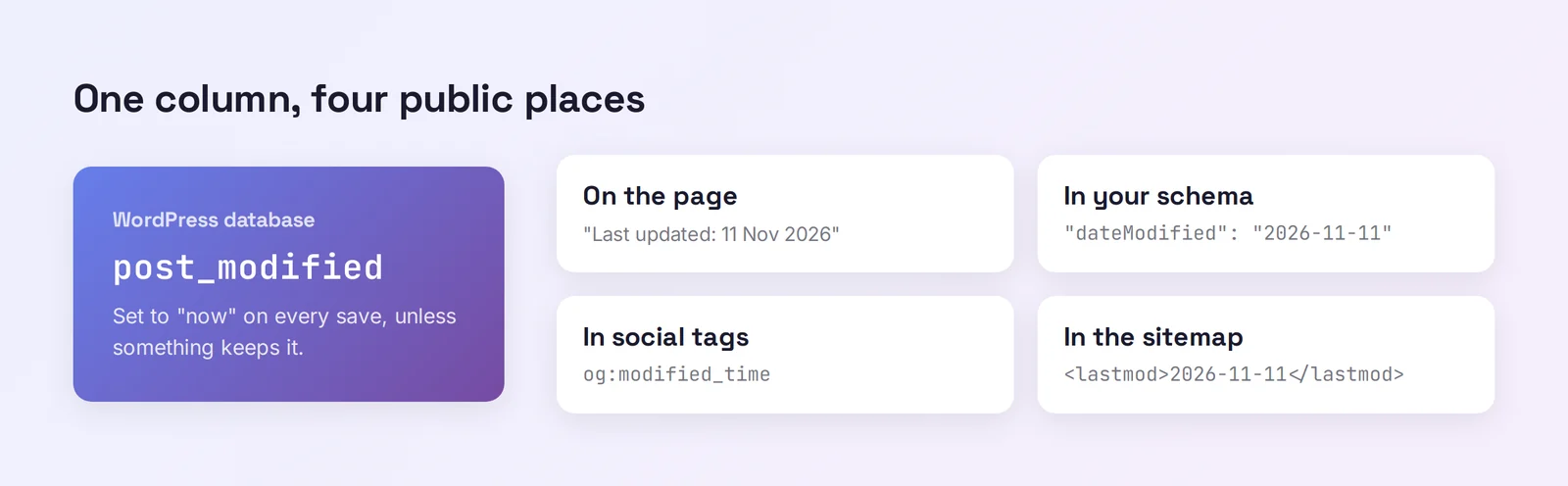
Where does the last modified date show up?
In four places, and they all read the same database column, post_modified:
- On the page. Many blog themes print it as "Last updated" or "Updated on".
- In your schema. SEO plugins put it in the Article
dateModifiedfield. - In the social tags. It becomes
og:modified_time. - In the sitemap. It becomes the
lastmoddate for that URL.
So one routine save changes all four at once. You can't fix a typo without telling readers and Google that the article was updated today.
Why shouldn't every edit change the date?
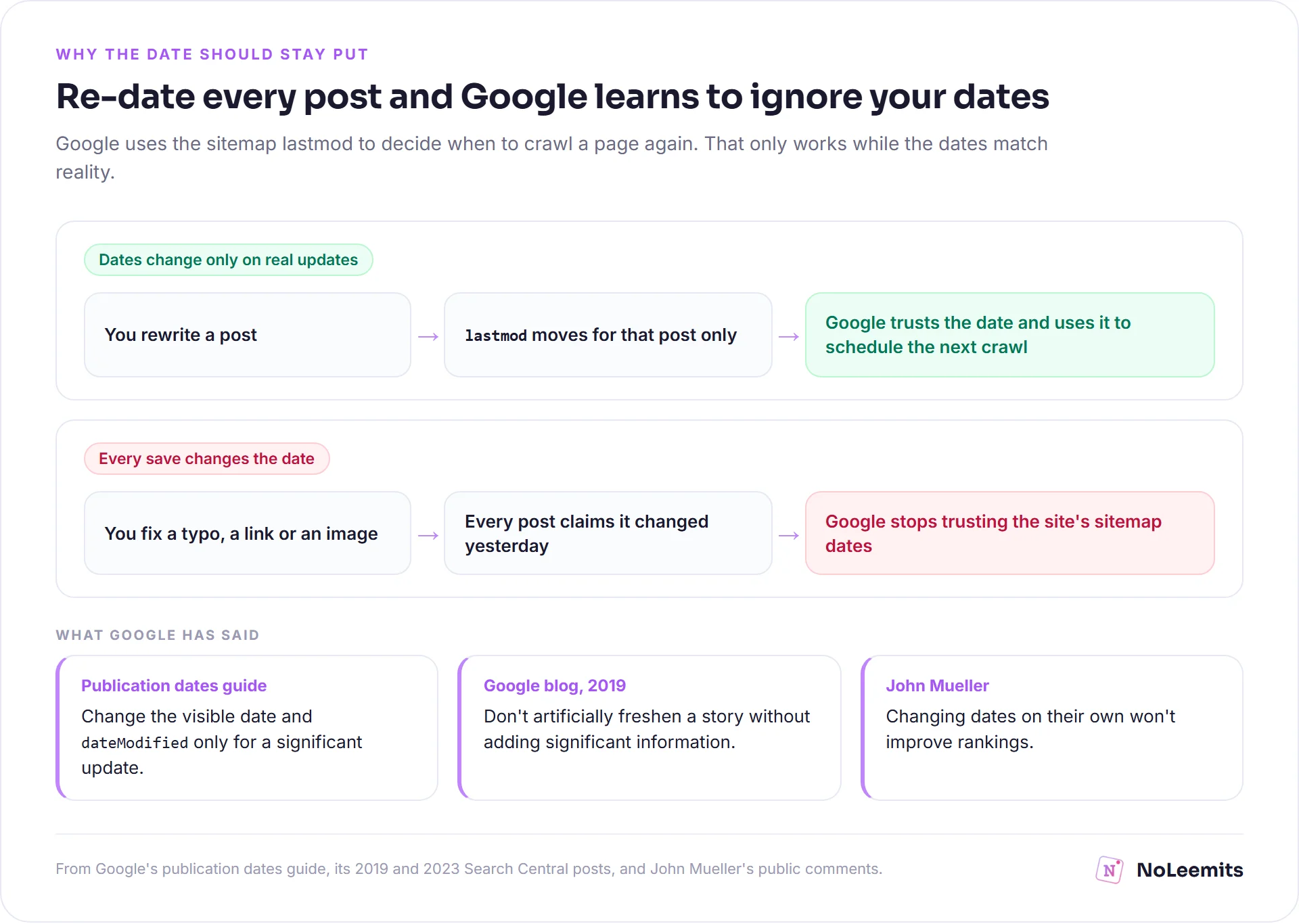
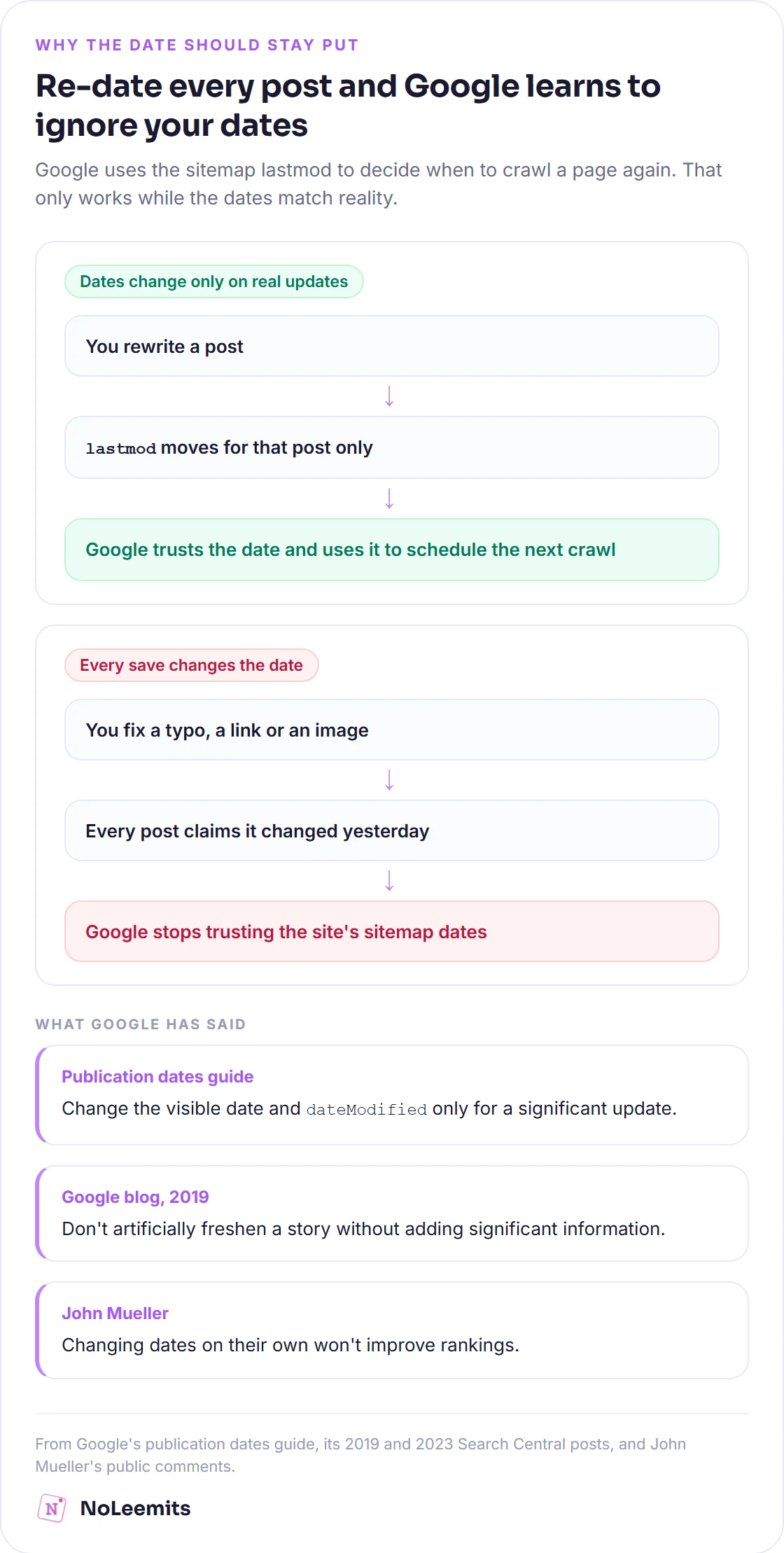
Because Google asks you not to, and because it can cost you trust.
Google's guide to publication dates
says to change the visible date and dateModified only when you update a page in
a significant way. An older Google post on dates says plainly:
don't artificially freshen a story
without adding significant information.
The sitemap date matters too. Google uses lastmod to decide when to crawl a
page again, and its 2023 note on sitemaps
says it stops trusting a site's dates when they don't match reality. A site
where every post claims it changed yesterday teaches Google to ignore its
sitemap dates.
And there's no reward for faking it. John Mueller has said more than once that changing dates on its own won't improve rankings.
Readers notice as well. If a two-year-old post says "Updated today" and nothing in it is new, the next date you show them means less.
When should you keep the old date?
Keep it when the edit is maintenance, not content:
- a redesign or a new post template
- fixing broken links or redirects
- image sizes, alt text or a new featured image
- categories, tags or the author
- SEO titles and meta descriptions
- schema or FAQ markup
- typos that don't change what the post says
Give the post a new date when you add a section, update the facts, change the advice or rewrite it. That's the update Google and your readers want to hear about.
What happens when an AI does a bulk edit?
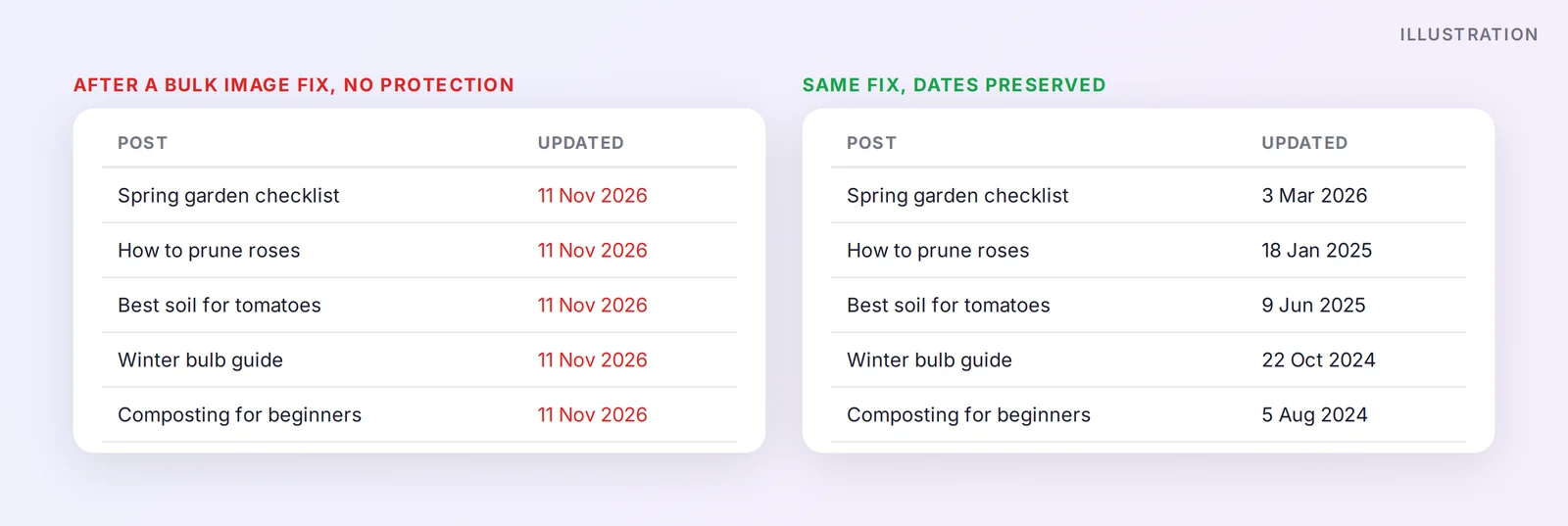
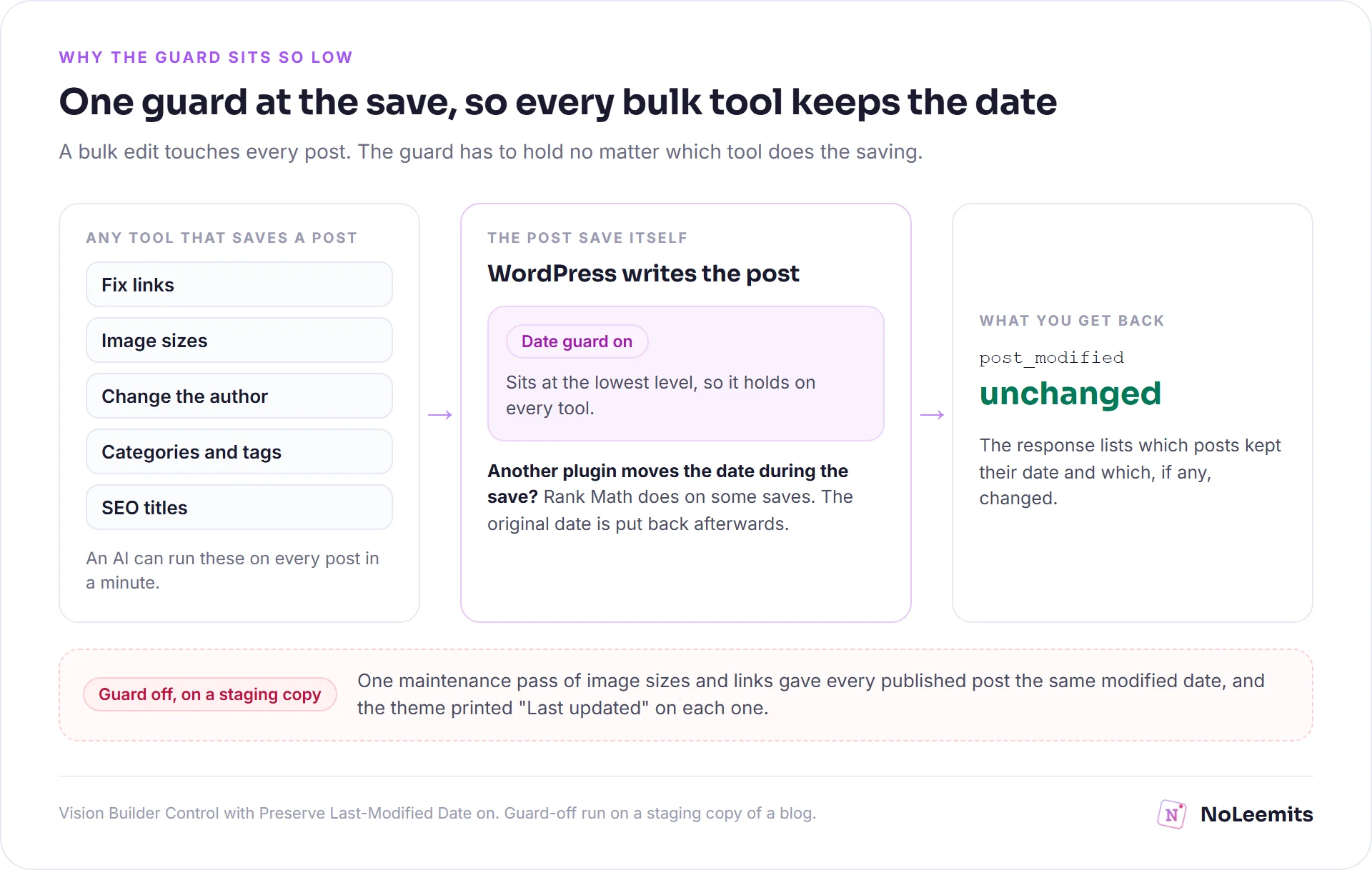
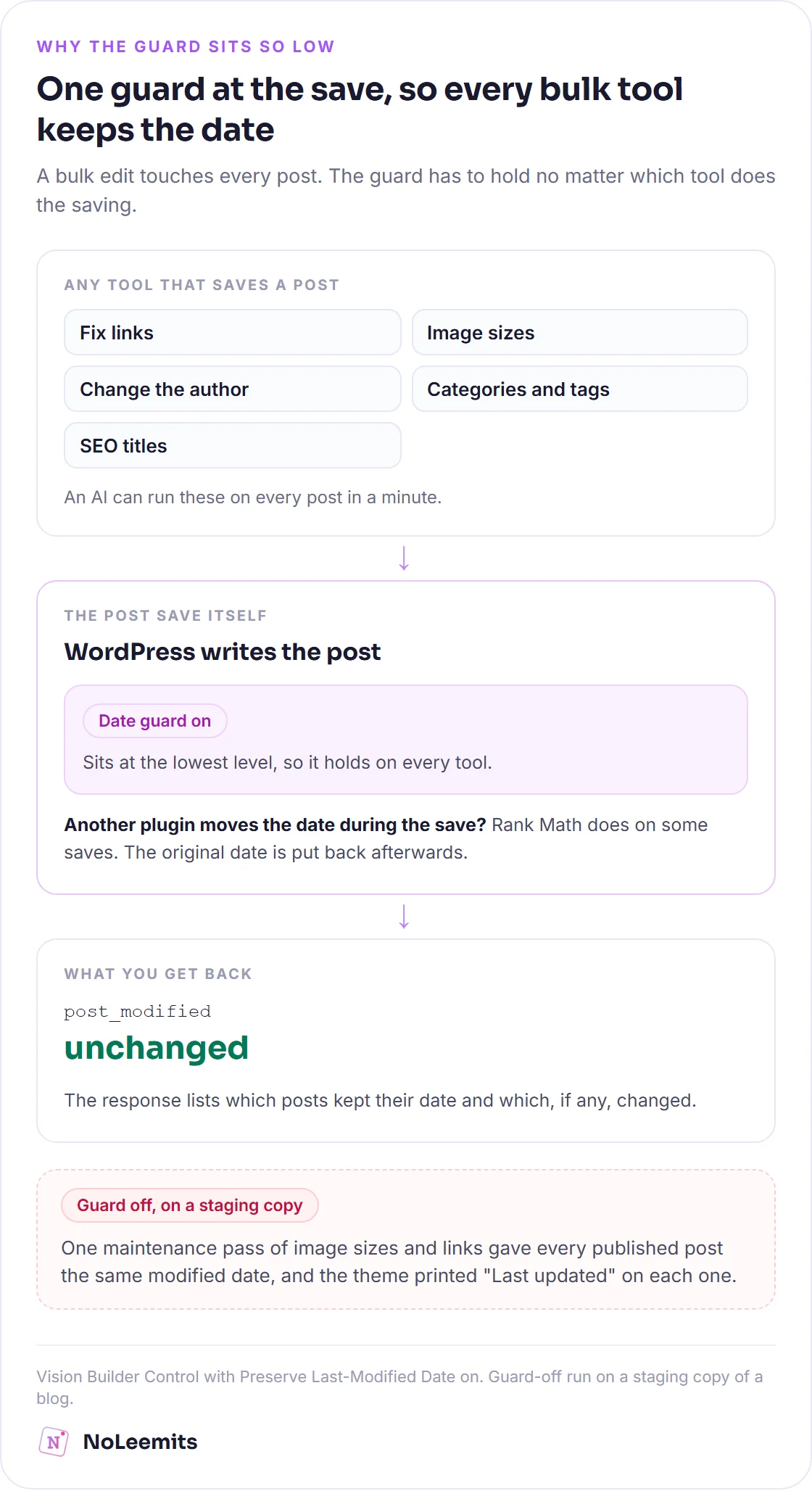
It gets worse at scale, because an assistant can touch every post in a minute.
We tried it on a staging copy of a blog with a few hundred posts and the guard switched off. A maintenance pass that only fixed image sizes and links gave every published post the same modified date. The theme printed "Last updated" on each one, so on a live site every reader would see it the same day. Changing the author on a batch of articles did the same thing.
That's why the date guard sits at the lowest level WordPress offers. It holds on every tool that saves a post, not just one.
How do you edit posts without changing the date?
With Vision Builder Control there are two ways to switch it on.
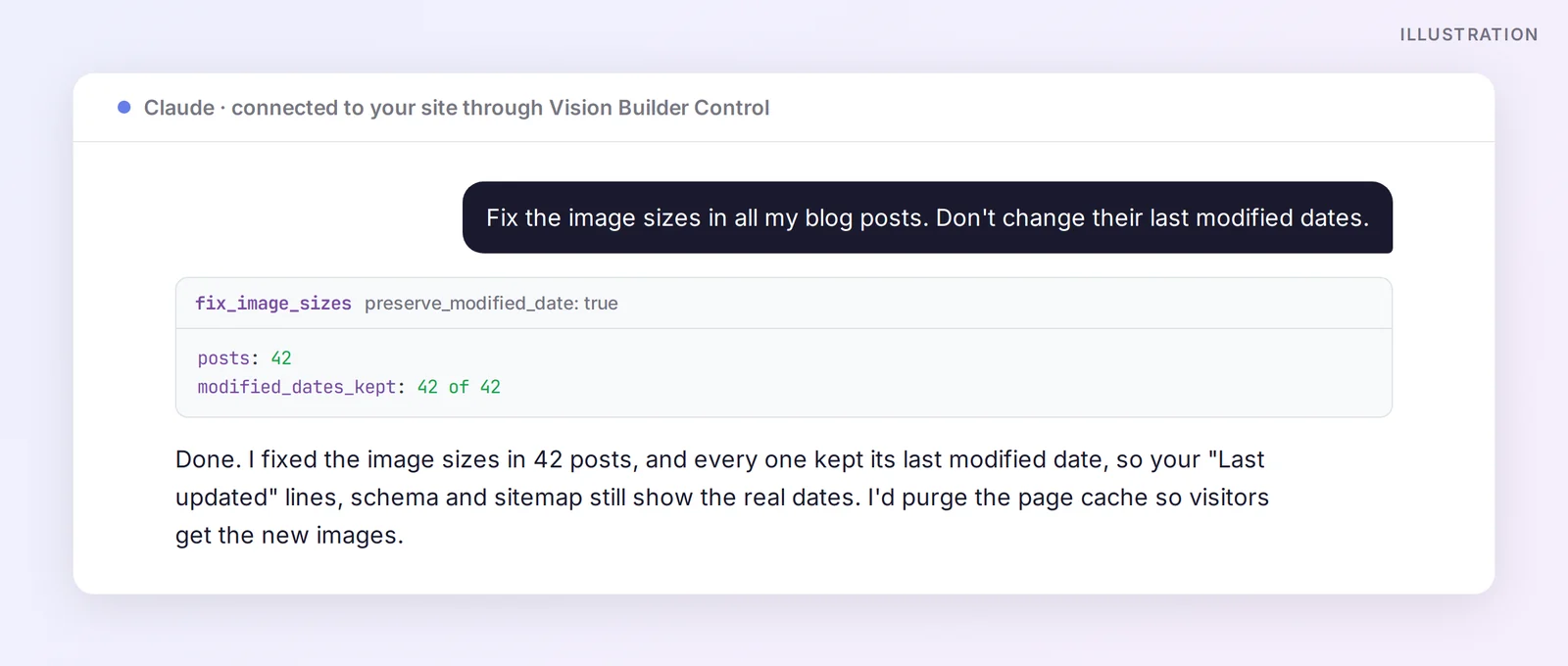
For one request, just ask. Every tool that writes to a post accepts a
preserve_modified_date option, and your assistant will pass it when you say so:
Fix the broken links in all my blog posts. Don't change their last modified dates.
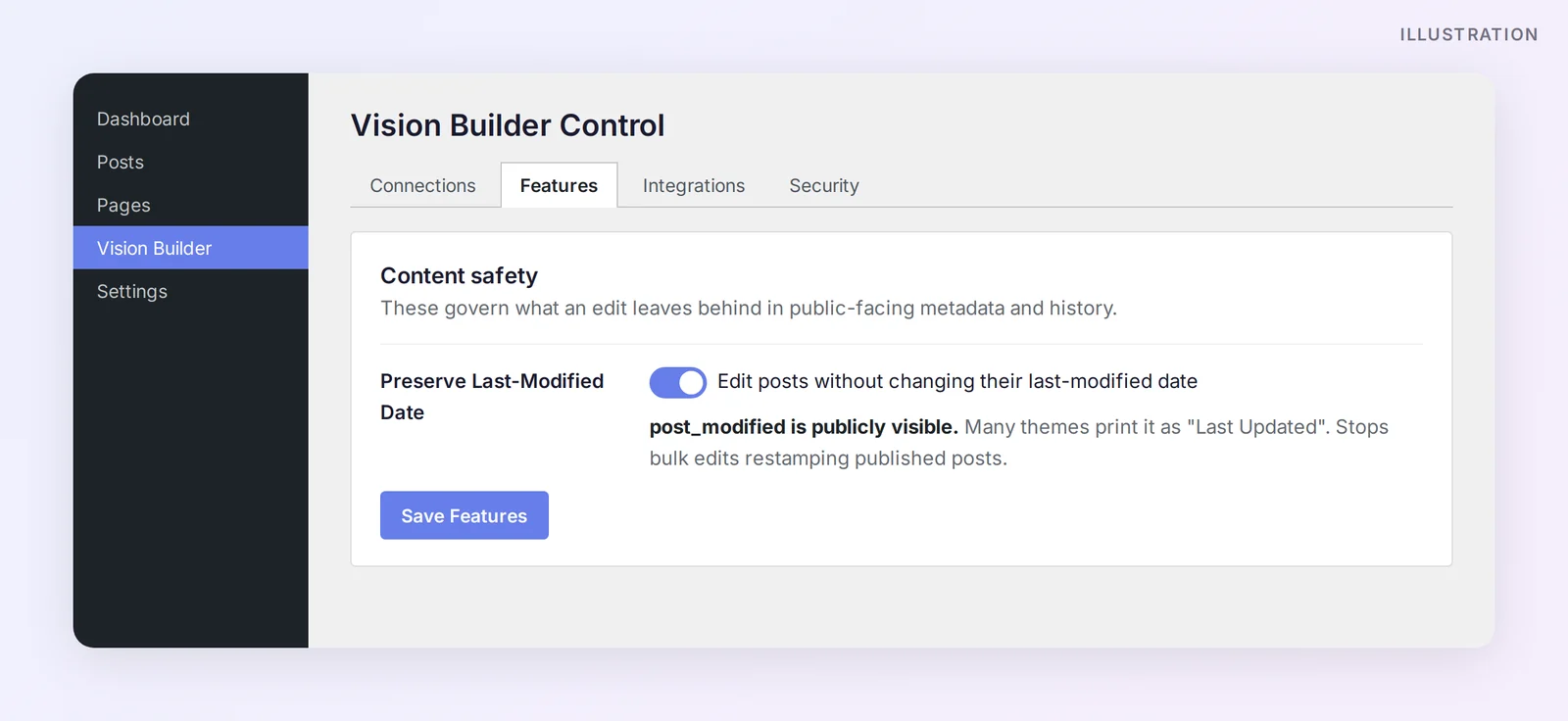
For the whole site, go to Vision Builder, then Features, then Content safety, and turn on "Preserve Last-Modified Date". From then on, every edit made through the plugin leaves the date alone unless you ask for a new one.
It holds even when another plugin tries to move the date during the save. Rank Math does this on some saves; the plugin puts the original date back afterwards. And every response tells you what happened, so you never have to guess: it reports which posts kept their date and which, if any, changed.
What if the dates have already been changed?
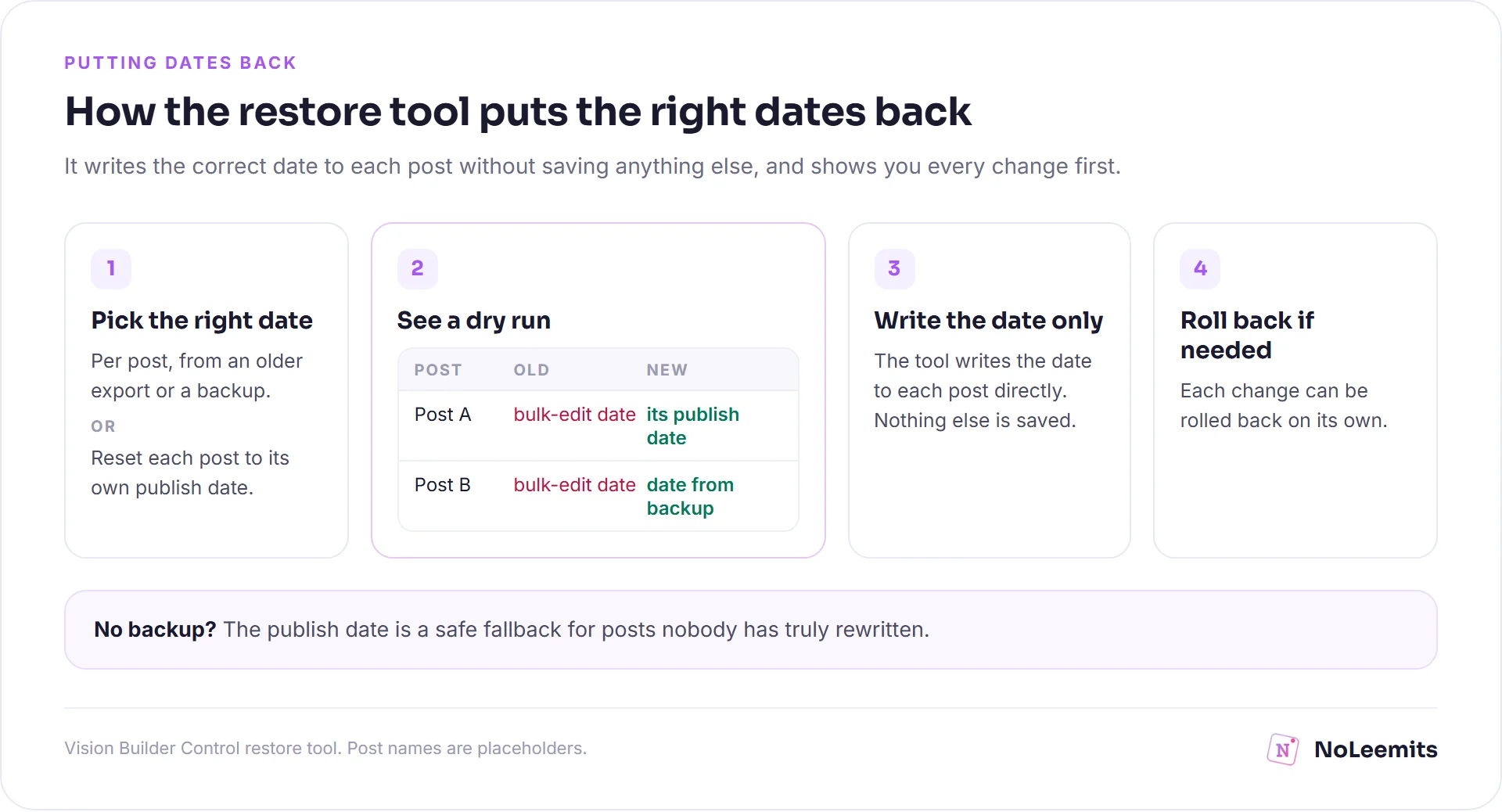
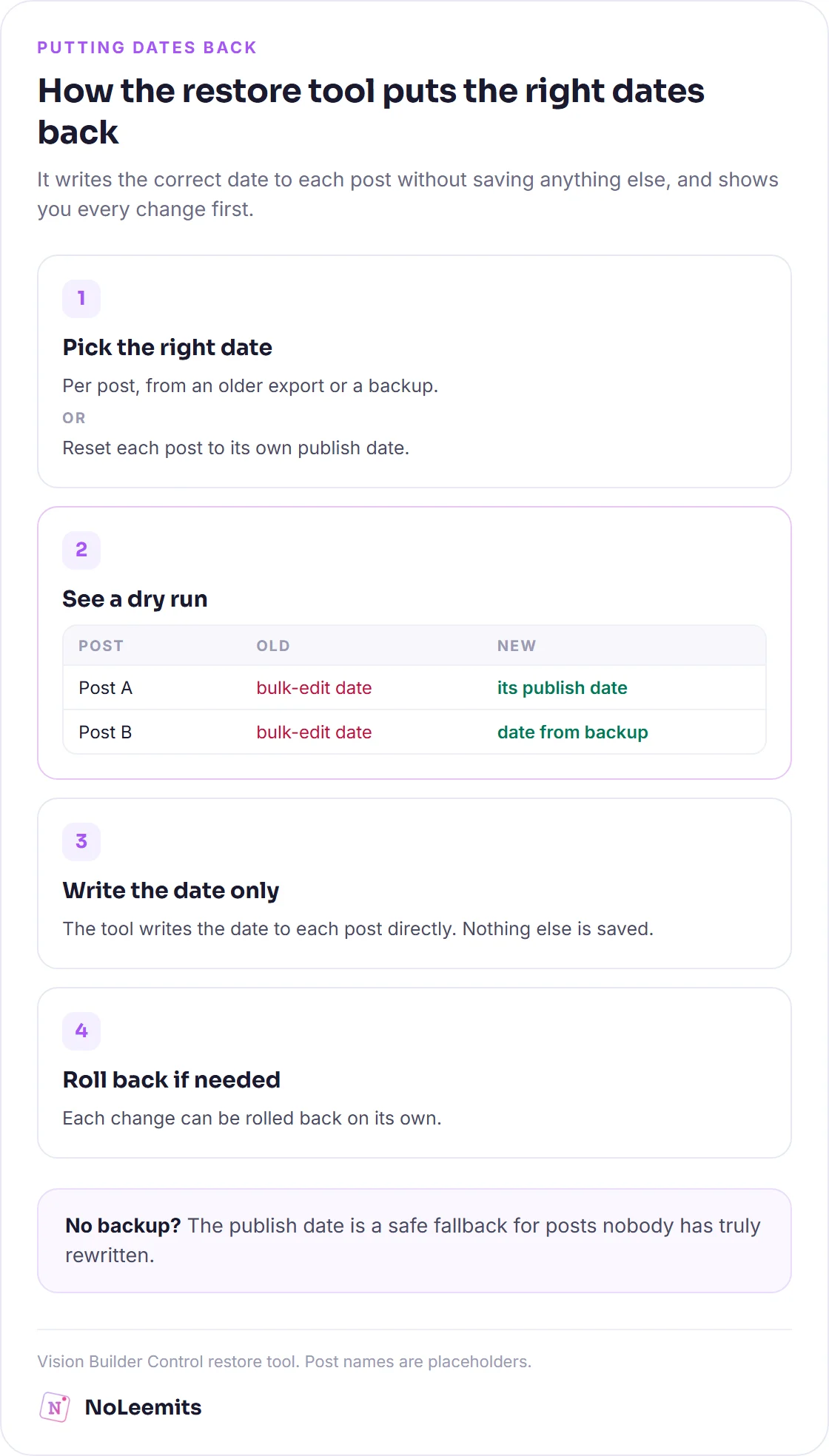
You can put them back. The plugin's restore tool writes the correct date to each post directly, without saving anything else. You give it the right date per post, or tell it to reset each post to its own publish date. It shows a dry run first, with the old and new date for every post, and each change can be rolled back.
If you have an older export or a backup, the old dates are in it. If you don't, publish date is a safe fallback for posts nobody has truly rewritten.
What's in Vision Builder Control Free, and what needs Pro?
Keeping dates still is part of editing, so it is a Pro feature. The free download can still show you the problem: your assistant can list every post with its publish and modified dates. If dozens of posts share one modified date to the minute, a bulk edit re-dated them.
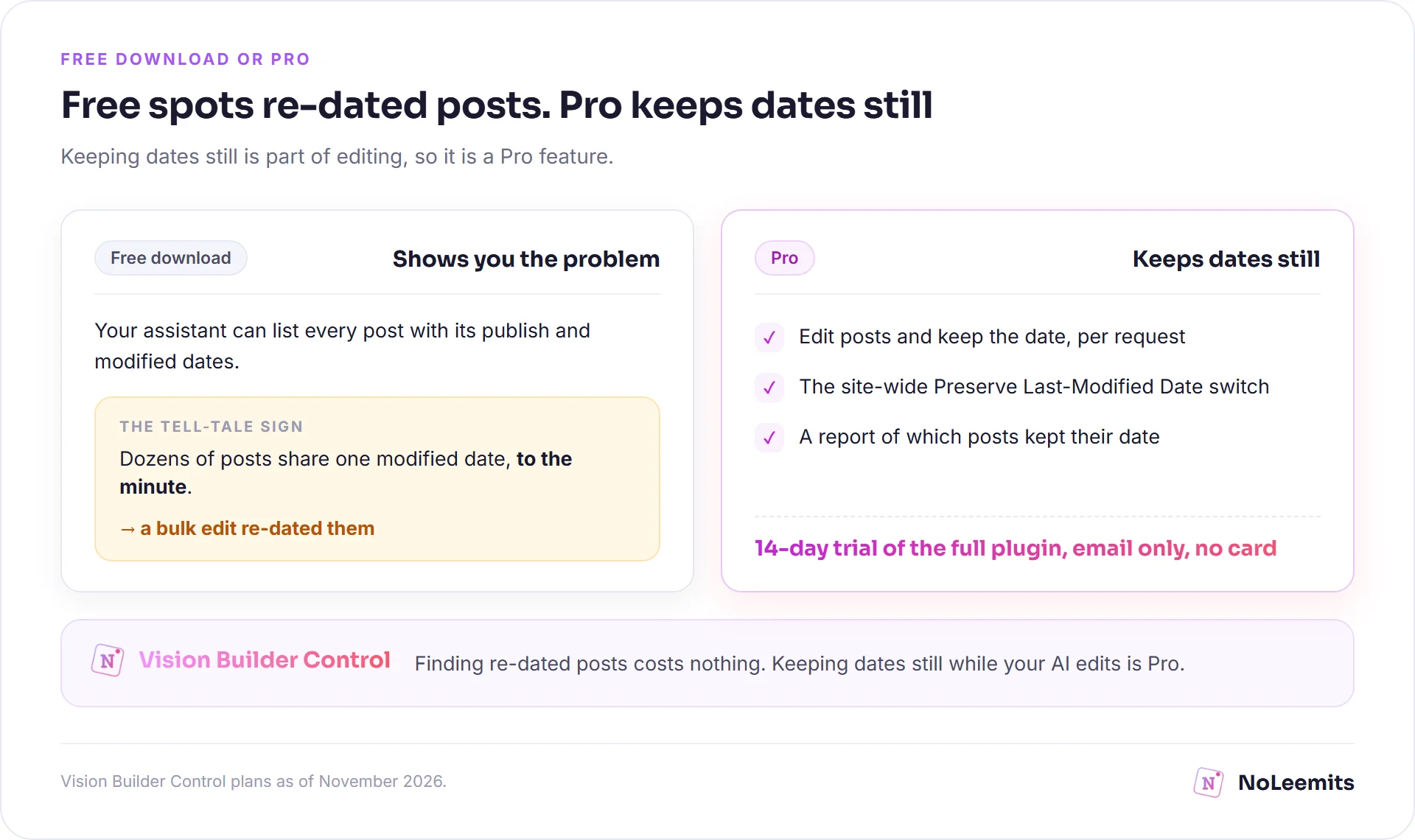
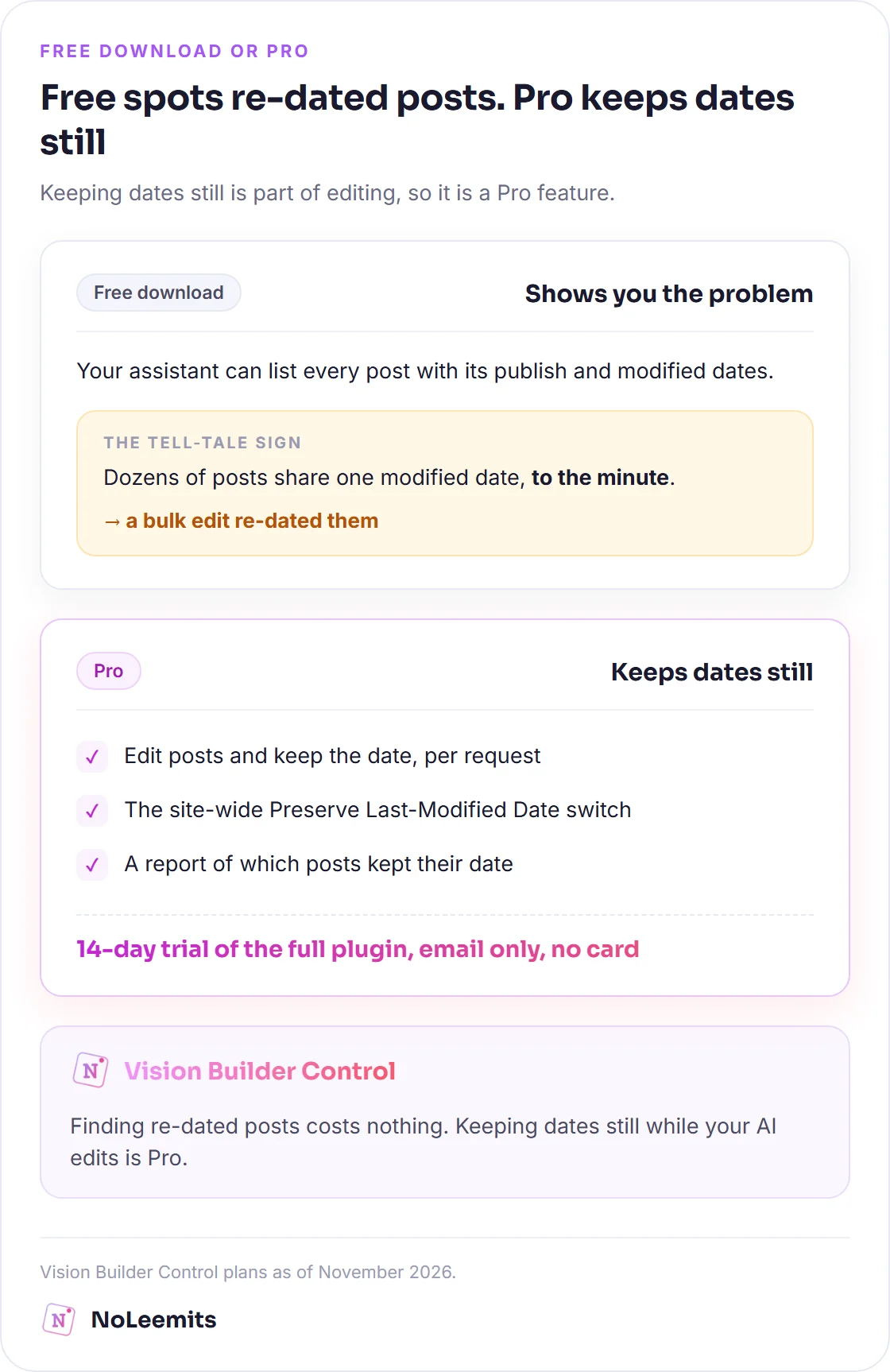
Pro comes with a 14-day trial of the full plugin. No card is needed to start it, just your email. See what Pro adds or start with the free download.
What this doesn't cover
- Edits in the block editor. The switch covers edits made through Vision Builder Control, by your AI or the API. Clicking Update in WordPress still changes the date. For hand edits, a plugin such as Change Last Modified Date adds a checkbox. The older Limit Modified Date plugin no longer works with the block editor.
- Your page cache. Some caches and CDNs use the modified date to know when to refresh. If an edit changed what visitors see, purge the cache for that page. The plugin can do that too.
- Faking freshness. It won't help you make an old post look new. That's the opposite of what it's for.
Questions people ask
Does changing the modified date help SEO? Not on its own. Google has said that new dates without new content don't improve rankings, and inaccurate sitemap dates make Google trust them less.
Will Google penalize me for updating the date? There's no penalty for an honest update. The risk is losing trust in your dates when they change for no reason, which affects how Google schedules crawls.
What's the difference between published date and modified date? The published date is when the post first went live. The modified date is the last time it was saved. Most themes show one or the other; many SEO plugins send both to Google.
Can I hide the "Last updated" date instead? You can, in most themes. But the date still goes out in your schema and sitemap, so hiding it on the page doesn't fix what Google sees.
Does this work without Elementor? Yes. The date guard works on any WordPress post or page, whatever builds it.
Bulk edits are also where two editors collide. If a person has a post open while your AI works through the rest, the edit lock keeps them from overwriting each other.
Keep reading: how to stop WordPress user enumeration, Elementor v4 variables and classes, and which WordPress plugins you can safely delete.
Let your AI edit without re-dating posts
Vision Builder Control keeps your dates honest on every edit. Start the 14-day trial, or talk to us first.